We live in technical times. One would think, with increasingly smart language technology, such as predictive text and advanced grammar checkers, there would be less need for proofreading. That the work is done for us. However, as professional proofreaders, we're seeing more documents coming through that appear to have been written on a tablet or smartphone and this creates a new problem...
Say the writer finishes a report on the train home, on their phone or iPad. There's no time (and limited functionality) to edit, so it then gets sent straight to the designer. Job done.
The reason we can tell this is happening is because we're seeing some unusual spelling substitutions in the documents we proofread.
Where you can often check a mis-keying by looking at the keyboard and seeing that an adjoining key was pressed by mistake, with predictive text whole words are replaced with what an unrefined algorithm thinks you wanted to say (based on words you may have typed before in a text message or similar words it recognises using the letters or numbers you've pressed). It can have some interesting outcomes!
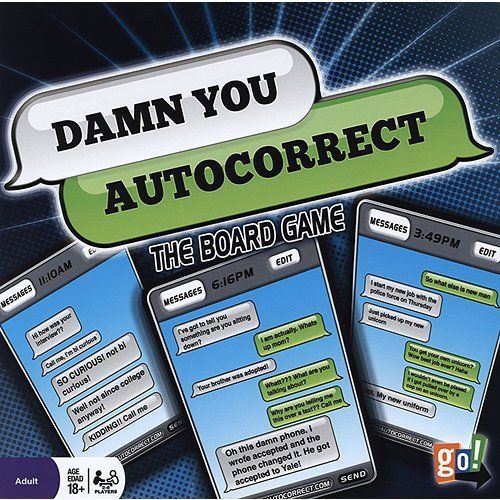
We know that predictive text has created some amusing and embarrassing mistakes in texting and messaging. There are numerous websites that record funny examples, such as www.damnyouautocorrect.com and even a board game where players have to guess the intended word! However, with the rise in 'working on the go', this trend of bizarre errors is creeping into documents of a more-important nature.
The problem with predictive text errors is that the word replacement often doesn't reflect the intended word at all, so the reader is left confused about what is meant.
An example in a brochure we saw recently was:
In a bid to raise mine for charity...
When typing this sentence on a standard keyboard, you wouldn't type 'mine' instead of 'money'; however, using predictive text, the word 'mine' can appear as a substitute, especially if you are typing quickly. A spell checker would not have picked this up as there is no spelling error, and a sophisticated grammar checker may have picked it up (the standard grammar checker in Word 2010 missed this!).
Autocorrect errors are usually funny and harmless in a personal situation; however, no business professional wants to be laughed at for making silly mistakes. More worrying is a 2009 study which found predictive text messaging changes the way children's brains work and makes them more likely to make mistakes generally.
Scientists said the system trains young people to be fast but inaccurate. This 'need for speed' is at risk of spilling over into the professional world where accuracy in communications is key.
It goes to show that proofreading, in spite of, and especially with, automated spelling technology, is still as important as ever.
The Publications Desk