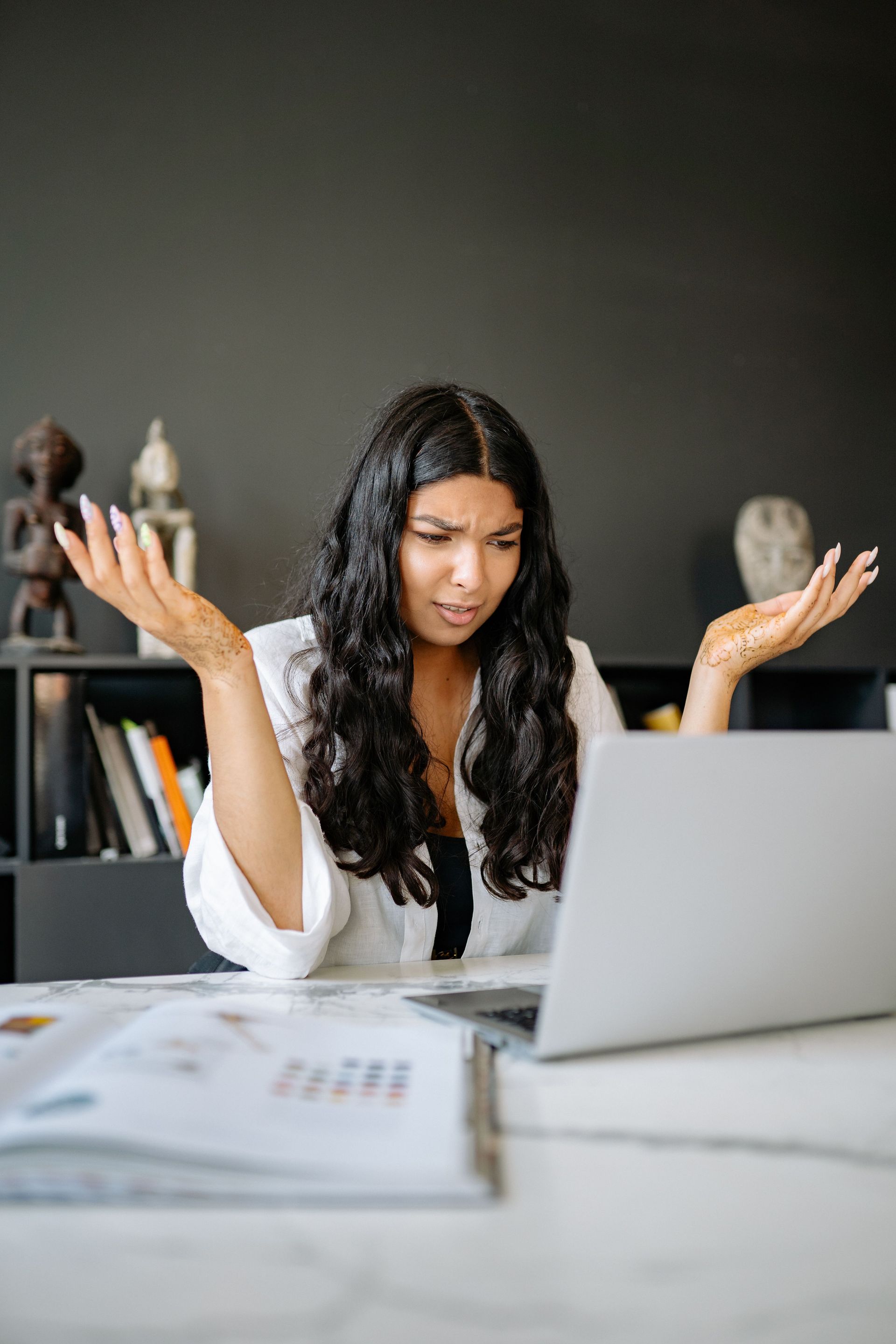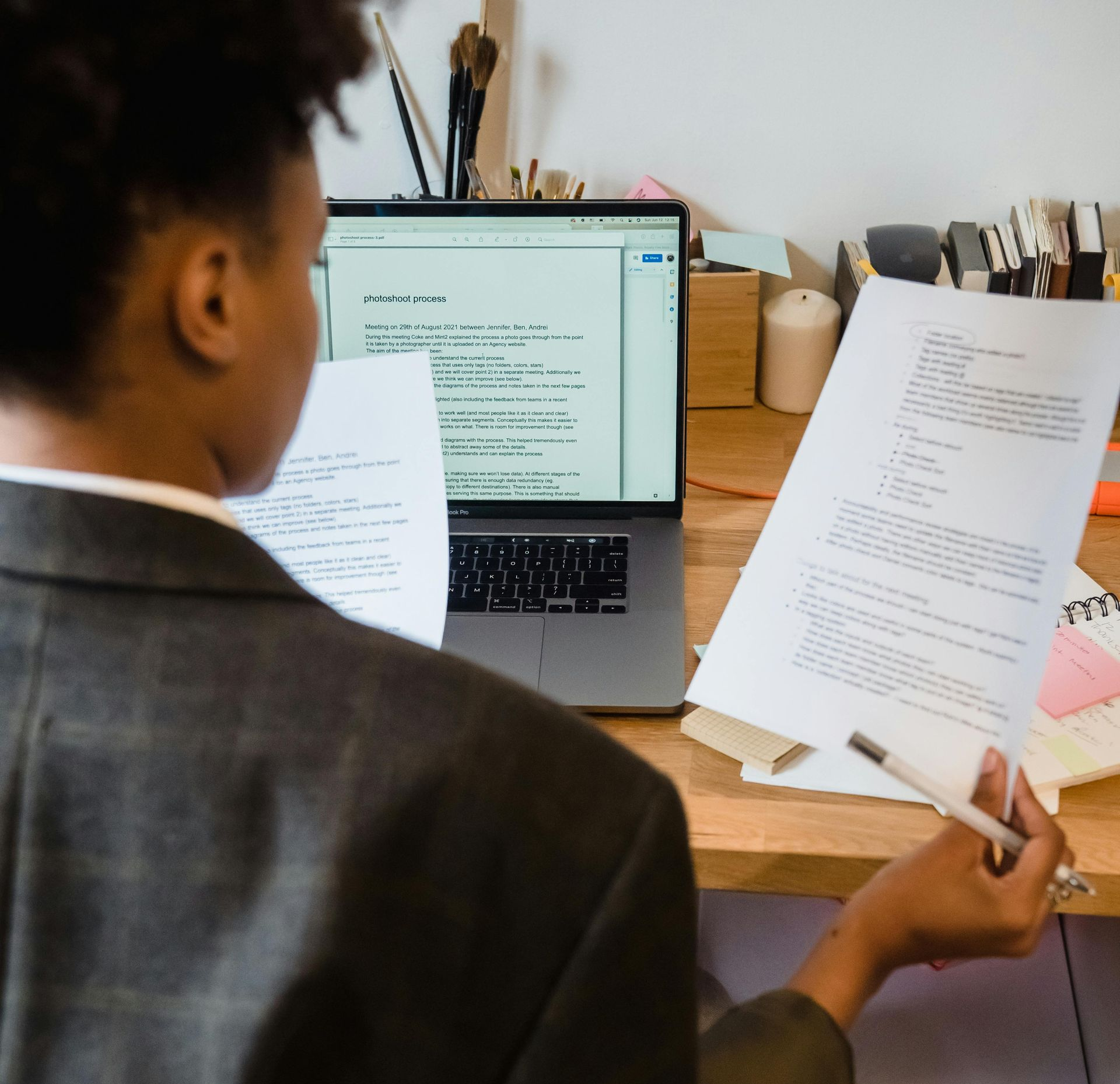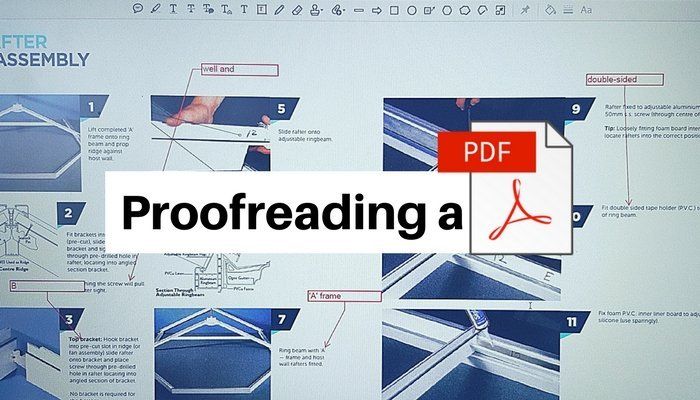
A proofreading a pdf is shown on a screen

In this short video, Kelly Owen, Director of Ultimate Proof Ltd, explains a few essential aspects of proofreading PDFs, and why it's not always as straightforward as it seems!

An experienced PDF proofreader will ensure that any amends they mark on the file are clearly identifiable, so that the person reading the file can easily see what needs to be changed and make the amends to the source file.

We most often use the Callout Tool and Highlighter to mark-up PDFs, although there are numerous options available.

As the use of these tools adds more time to the job, we cost PDF proofreading slightly differently to other work. It is useful to see a sample of the PDF to be proofread in order for us to accurately quote you. A 20-page PDF may contain 500 words or 5,000. The 500-word PDF may require numerous edits and amends, the 5,000-word PDF may be fairly clean. There is so much to consider, so every job is costed accordingly.

It is better to supply PDF files to your proofreader as single pages, as we will need to print it out to proofread before we mark-up the amends on-screen, so having a single-page layout aids visibility.

Some clients different ways of marking up PDFs, which we are happy to work with; equally, we can advise you on the best mark-up method for your type of document.

Tip: For copy-heavy documents, it's usually more efficient to proofread in Word using Track Changes, or to have a copy of the original Word text file to refer to.

If you have any queries about using PDF proofreading tools, or would like some one-to-one training in applying PDF mark-ups, please leave a comment or email kelly@ultimateproof.co.uk

The Edit Desk

H
By Ultimate Proof Ltd January 27, 2026
As the virtual face of your business, your website needs to fulfil two key priorities: to read correctly and be easy to navigate – but if you add the pressure to get your site up and live, it can be easy to push proofreading to the bottom of the endless to-do list. Relying on a busy colleague or the website designer to give it a 'once over' might help to a point, but still leaves a lot to chance. Proofreading websites is a specific type of service which covers not only typos but also things like broken links, SEO keywords, your tone of voice and overall user experience. So, if you're thinking of proofreading your website yourself but aren't sure where to start, here are four key areas to focus on: Spelling and grammar All written content on your website should be reviewed, from product descriptions to blog posts, ensuring it is clear, concise and error-free. Branding and tone Consistency is key. Ensure your messaging aligns with your brand identity across all pages, paying attention to the consistency of tone as well – whether it's formal, casual or informative. User experience Check for broken links, slow-loading or missing images, alt text, or any other technical issues that might hinder the user experience (some web designers have software that does this, but it's still worth checking). SEO optimisation Check your meta titles, meta descriptions and keyword usage, to ensure your content includes relevant keywords to enhance its visibility in search engine results. All these checks take time and care. AI can help to a point, but human oversight is essential. A professional proofreader can check these elements for you to ensure your website reflects the level of professionalism and attention to detail that your audience expects – giving you back precious time to focus on all the other tasks before you launch. A proofreader can also work directly from your CMS – saving your web designer amending time. I have proofread websites of all sizes – from a few pages and blogs to complex, multi-level websites. Even if your website has been live for a while, it might be worth getting a proofreader to have a fresh look to identify any problem areas. Find out more about my proofreading-services Email for a quote. Book a call with me in my calendar.
By Kelly Owen January 9, 2026
The winter term brings new proofing projects and plenty of hot drinks!
By Kelly Owen December 1, 2025
3 ways to integrate AI with your editorial standards
By Kelly Owen November 24, 2025
Top tips from a human editor on how AI can help you achieve engaging and accurate written communications