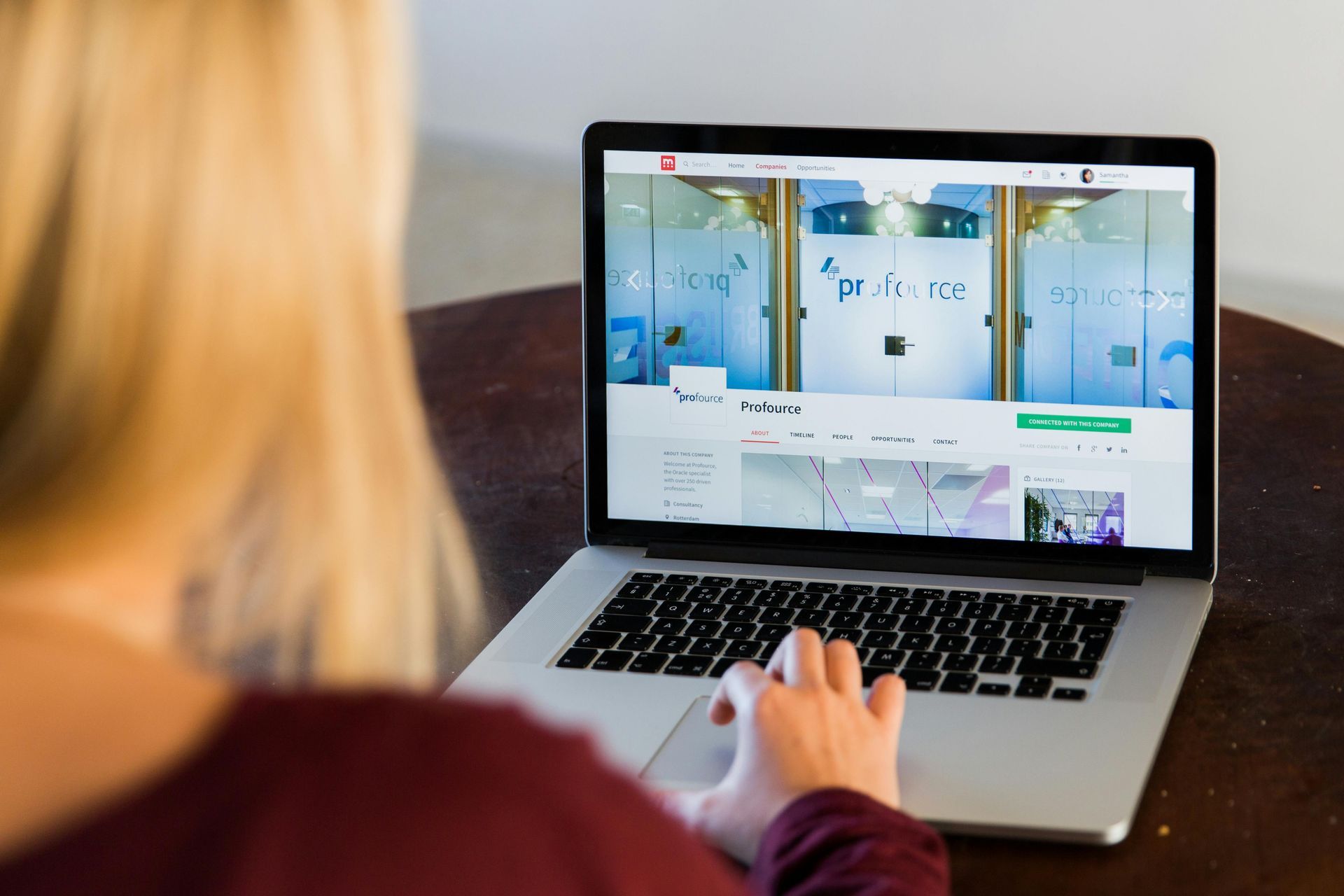
Proofreading website content is an essential step before launching or updating your site. A single spelling mistake, broken link or inconsistent tone can damage credibility and reduce trust. By following a simple website proofreading checklist (see below), you can ensure your pages look professional and communicate clearly with your audience.
As the virtual shopfront of your business, your website needs to fulfil two key priorities:
to read correctly and be easy to navigate – but if you add the pressure to get your site up and live, it can be easy to push proofreading to the bottom of the endless to-do list. Relying on a busy colleague or the website designer to give it a 'once over' might help to a point, but still leaves a lot to chance.
Proofreading websites is a specific type of service which covers not only typos but also things like broken links, SEO keywords, your tone of voice and overall user experience.
So, if you're thinking of proofreading your website yourself but aren't sure where to start, here are four key areas to focus on:
- Spelling and grammar
All written content on your website should be reviewed, from product descriptions to blog posts, ensuring it is clear, concise and error-free.
- Branding and tone
Consistency is key. Ensure your messaging aligns with your brand identity across all pages, paying attention to the consistency of tone as well – whether it's formal, casual or informative.
- User experience
Check for broken links, slow-loading or missing images, alt text, or any other technical issues that might hinder the user experience (some web designers have software that does this, but it's still worth checking).
- SEO optimisation
Check your meta titles, meta descriptions and keyword usage, to ensure your content includes relevant keywords to enhance its visibility in search engine results.
All these checks take time and care.
AI can help to a point, but human oversight is essential.
A professional proofreader can check these elements for you to ensure your website reflects the level of professionalism and attention to detail that your audience expects – giving you back precious time to focus on all the other tasks before you launch. A proofreader can also work directly from your CMS – saving your web designer amending time.