Top tips from a human editor on how AI can help you achieve engaging and accurate written communications
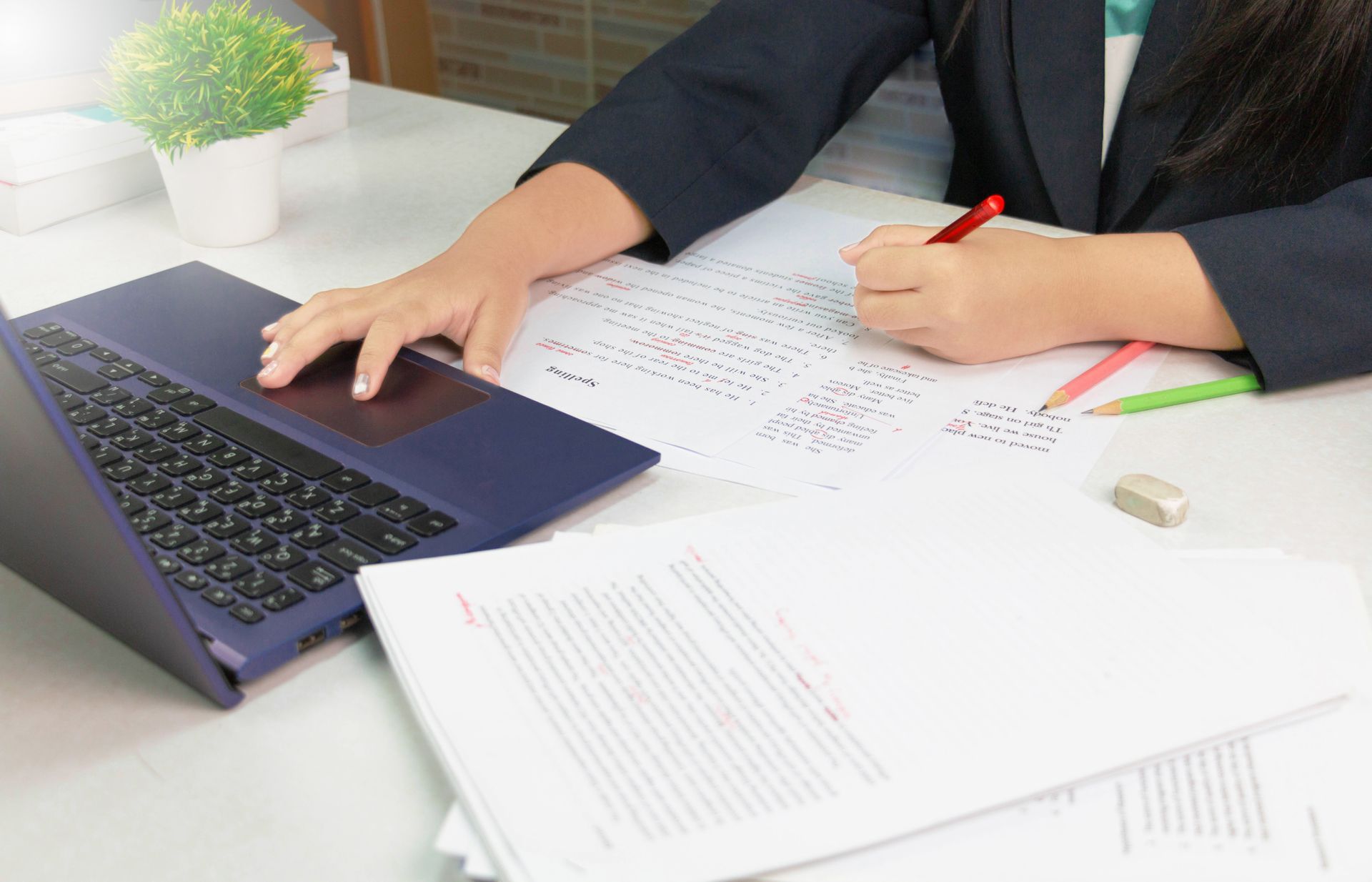
So, you're testing AI to do your editing for you, great. But how does this look in reality? While it does save time, with lightning-fast rewrites, you might be finding that you still have to make lots of decisions about what to change and getting bogged down by all the endlessly 'helpful' suggestions.
With many of us integrating AI into our workflows, there's no denying the time it can save on drafting and editing copy. However, AI does not replace the need for human oversight – whether that's by an in-house or an outsourced editor.
Here are three ways AI can help a human proofreader work better for you.
Start with AI, end with humans
Human oversight is essential to ensuring your copy is authentic, so knowing when to use AI can be confusing. Do you AI editing at the start before it reaches the editor, or once it's been reviewed? I always recommend using AI as the first stage of your proofreading process, not the last.
- Pass 1: Use AI to sweep for mechanical grammar errors
Run the entire document through your chosen AI tool (e.g., Grammarly). This will quickly eliminate 90% of basic typos, spelling errors, common punctuation issues (like missing commas) and grammar errors. This saves me, your human proofreader, hours of tedious, mechanical work, freeing up my time to work in greater depth.
- Pass 2: A human review of context and style
Now it's my turn. I will manually review the document, focusing only on the higher-level issues that AI missed or couldn't address. I'll verify factual accuracy, check consistency of tone and voice, enforce a specific style guide, correct contextual errors (e.g., using 'their' instead of 'there' when the grammar is technically correct but the meaning is wrong), and ensure the logical flow and clarity of ideas. This is where you get your money's worth from using a human proofreader's expertise.
Master the settings and style guides
Don't treat the AI tool as a generic spellchecker. If you're using AI in-house, you can tailor the tool to your corporate style and project. If you use a specific house style (e.g., capitalising certain terms, using serial commas), you can upload or input a Custom Style Guide. This forces the AI to follow your rules, not its own default settings. Always check and set the English dialect (e.g., UK or US).
Treat AI suggestions as recommendations, not commands
While it's all too easy to trust the authority in how quickly it responds, AI suggestions are based on probability and patterns, not genuine understanding of your context. Never blindly click 'Accept All'. Review every suggestion, especially those dealing with sentence structure or word choice.
Particularly watch for over-correction. AI often flags a passive voice construction as an error, even when it is strategically correct (e.g., 'The decision was made by the board' is better than 'The board made the decision' if you want to emphasise the decision).
Also, if your writer has a unique, intentional style (e.g., short, punchy sentences), the AI might try to 'normalise' it. My job as your editor is to defend your style and reject the AI’s attempt to make the text sound generic and mechanical.
Rather than replacing the need for proofreaders, AI enables editors like me to do our best work!
My clients save valuable budget and precious time.
I get to focus on bringing my editorial skills to enhance your communications. It's a win-win.
Find out more by visiting my Editing Services page or why not Book a Call with me to discuss how AI proofreading can support your business communications?
The Edit Desk